

Set 10-Minute Auto Sleep for Your Barcode Scanner in 2 Simple Scans
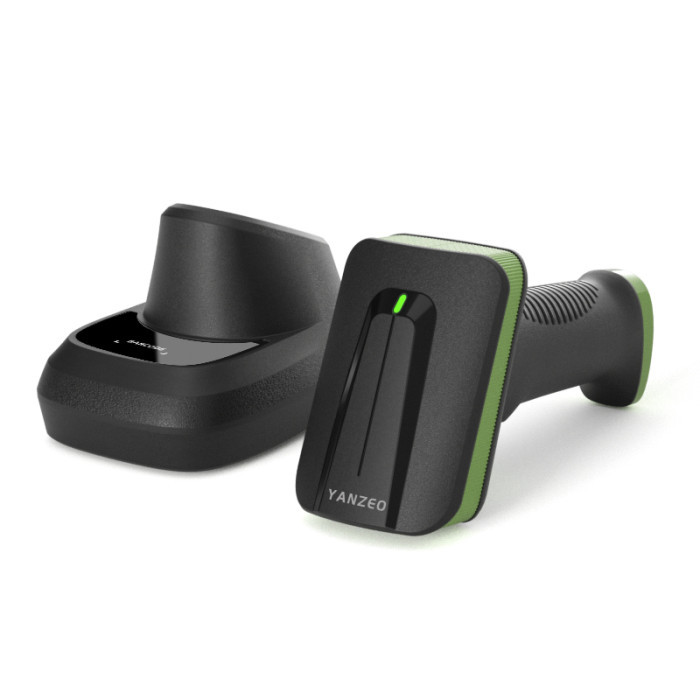
Tired of the hassle of manually turning your barcode scanner on and off repeatedly during daily operations? Or worried about excessive power drain and battery damage caused by long-term standby? We’ve got a super easy solution for you! You can set your barcode scanner to 10-minute auto sleep with just two quick scans—no complicated menu adjustments, no professional tech skills required. This simple setup optimizes your device’s performance and elevates your daily work efficiency in every way.
This setting is compatible with our full range of barcode scanners. The whole operation is completed by scanning the matching parameter setting barcodes included with your device, and even new users can master it in seconds. Here are the step-by-step instructions:
Step 1: Scan the [Sleep Time SET] Configuration Barcode

Step 2: Scan the [10 Minutes] Time Parameter Barcode

Setting the 10-minute auto sleep mode is more than just a simple power-saving trick—it brings a wealth of practical and in-depth benefits to your daily use of the barcode scanner, perfectly matching the high-frequency work scenarios of warehouses, logistics, supermarkets, retail stores, and express delivery stations:
- Maximize Power Efficiency & Extend Battery Life
The scanner will automatically enter sleep mode after 10 minutes of inactivity, which completely eliminates unnecessary power consumption from prolonged standby. This greatly boosts the device’s battery endurance, significantly reduces the frequency of charging, and makes it more worry-free to use in outdoor work areas, large warehouses, or other scenes without easy access to external power sources. For field workers, it means longer working hours on a single charge and no more anxiety about sudden power outages.
- Protect the Battery & Lower Overall Usage Costs
Long-term idle standby is a major cause of battery aging, over-discharge, and reduced cycle life. The 10-minute auto sleep function effectively avoids such damage, slows down the battery’s wear and tear, and extends the overall service life of both the battery and the scanner itself. Fewer battery replacements and device maintenance mean lower long-term usage and operation costs for your business, achieving cost savings while ensuring equipment performance.
- Simplify Operations & Boost Work Efficiency
There’s no need for staff to manually turn the scanner on and off repeatedly during work breaks, inventory checks, or order sorting. The scanner will automatically go to sleep during idle gaps and can be quickly woken up with a light touch or a single scan when work resumes. This seamless operation eliminates the interruptions caused by frequent manual operation, keeps the daily workflow smooth and uninterrupted, and directly improves the overall work efficiency of your team.
- Prevent Mis-scanning & Ensure Data Accuracy
In sleep mode, the scanner’s scanning and recognition function is temporarily disabled, which effectively prevents accidental scans caused by bumping, touching, or improper storage during transportation or when the device is not in use. This avoids the entry of invalid, duplicate, or wrong data into your system, ensures the accuracy and integrity of your inventory, order, and sales data, and reduces the time and effort spent on subsequent data sorting and correction.
- Ideal Sleep Duration for Diverse Work Scenarios
The 10-minute auto sleep time is carefully calibrated to fit the actual needs of most work scenarios. It won’t cause frequent wake-ups due to an overly short sleep interval (which would be a nuisance during short work pauses), nor will it lead to unnecessary power waste due to an overly long standby time. Whether it’s quick barcode scanning in a busy supermarket checkout area or intermittent inventory counting in a warehouse, this setting balances convenience and energy saving perfectly, adapting to the diverse working rhythms of different industries.
- Reduce Device Wear & Tear on Internal Components
Long-term continuous operation not only consumes the battery but also causes unnecessary wear on the scanner’s internal optical, electronic, and mechanical components. The regular 10-minute auto sleep gives the internal components a proper rest, reduces the risk of component failure caused by long-term high-load operation, and further enhances the stability and reliability of the scanner during daily use.