
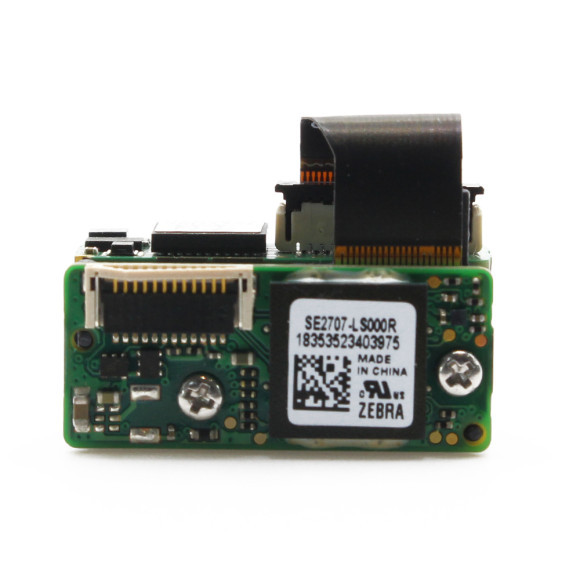
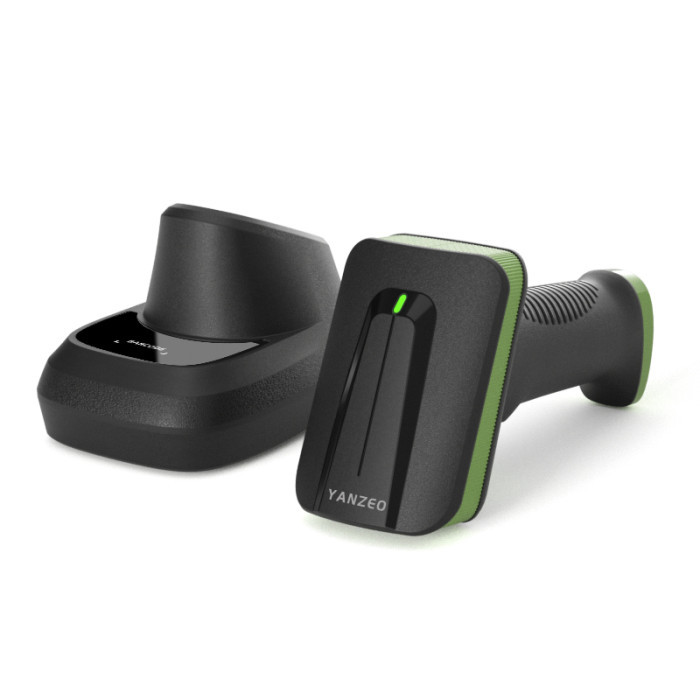
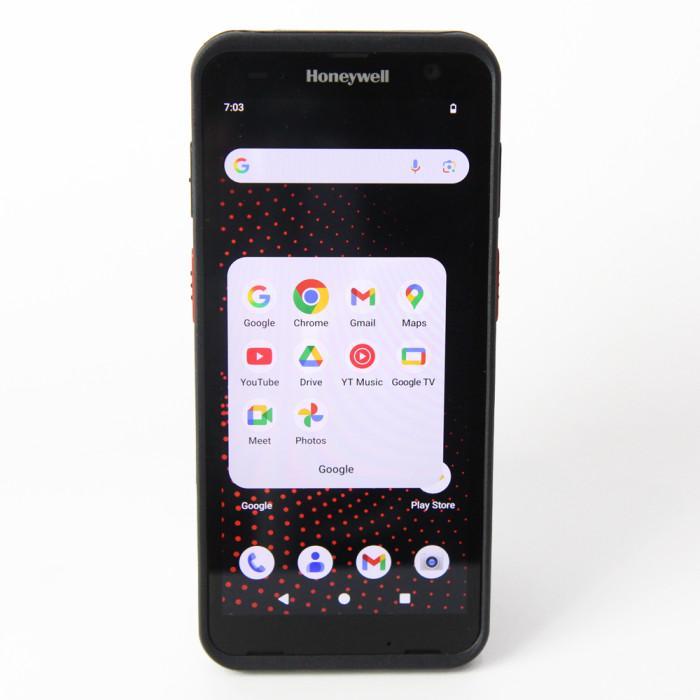
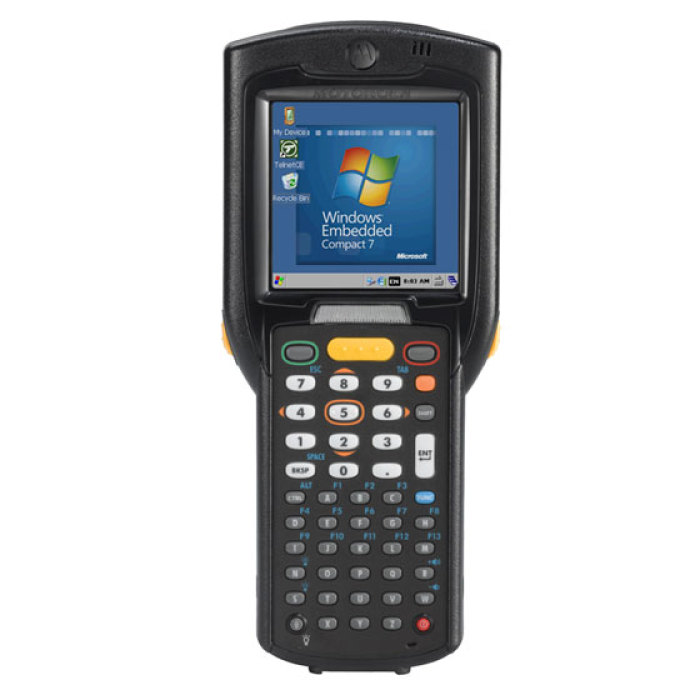
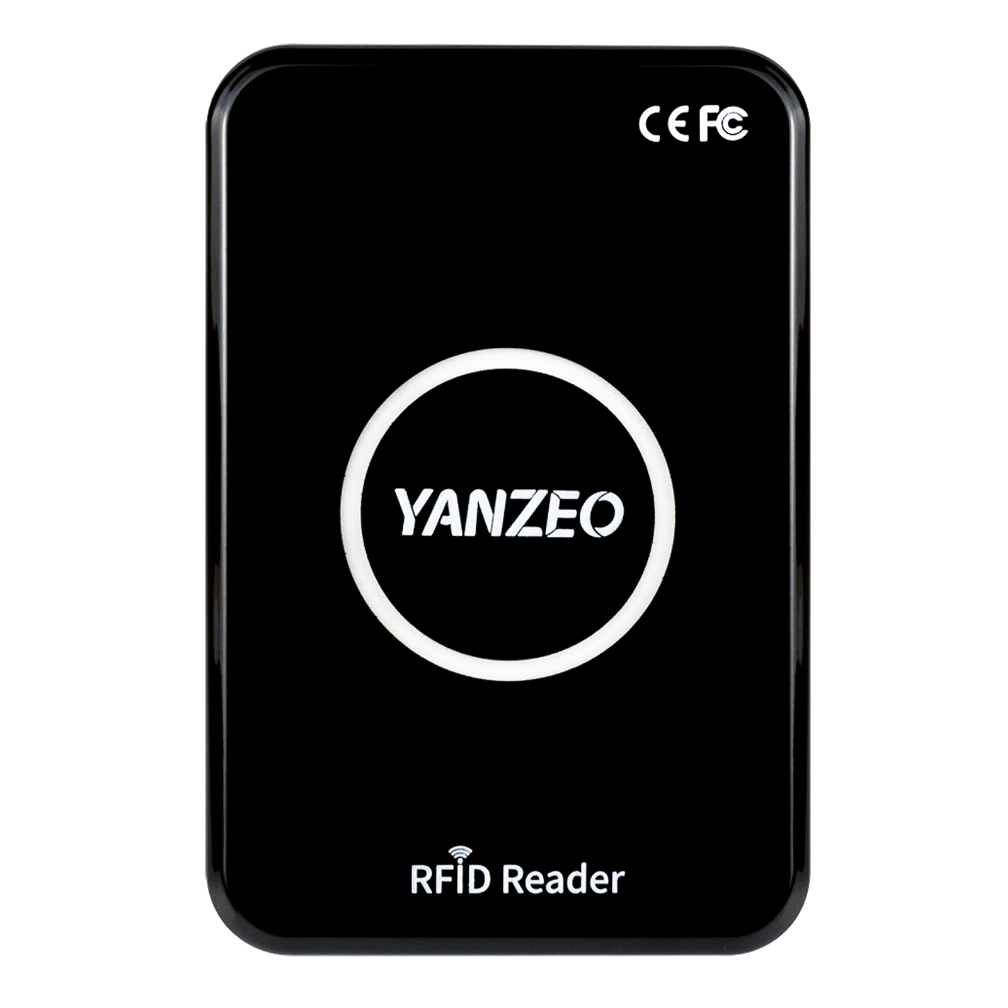
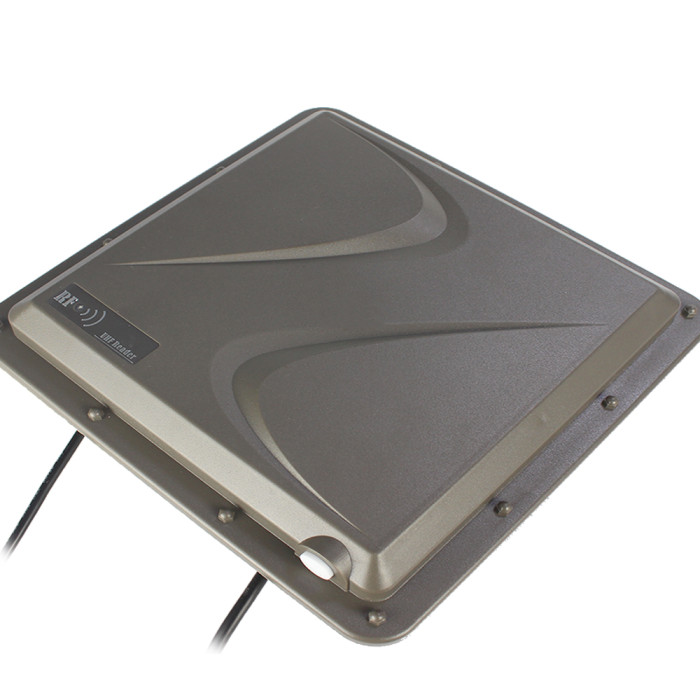
How to scan RFID tag in Appcenter?
Are you looking for a reliable manufacturer?
We can quickly provide customers with market analysis, technical support and customized services.Contact Person

- Full Name:
- Sunnee
- Tel:
+86 18927542630
+86 020-38201771
- Email:
- sales01@yanzeo.com
- WhatsApp:
- 8618927542630
- Address:
- 224# 126, East Ring Road, Zhucun, TianHe District, Guangzhou, Guangdong