Correct Operation Method of Barcode Scanner
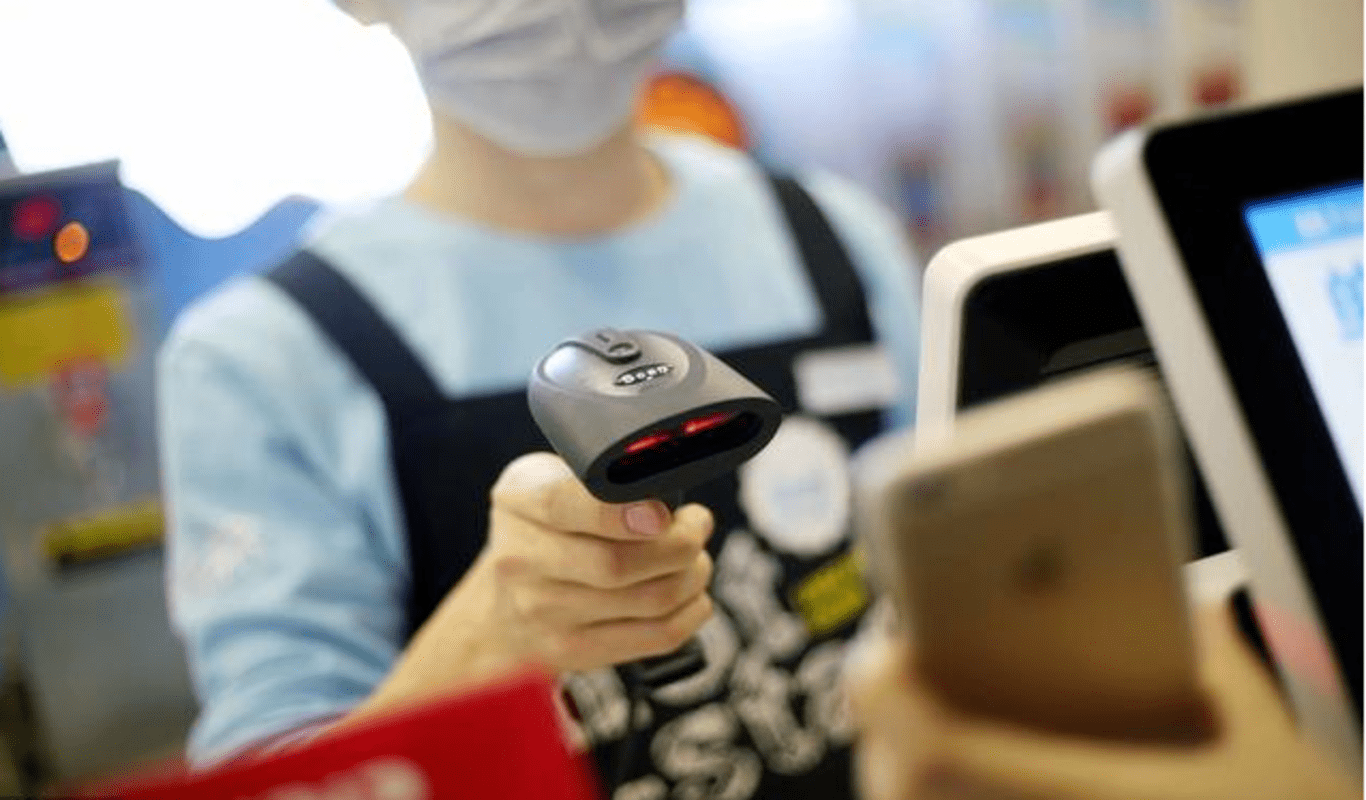
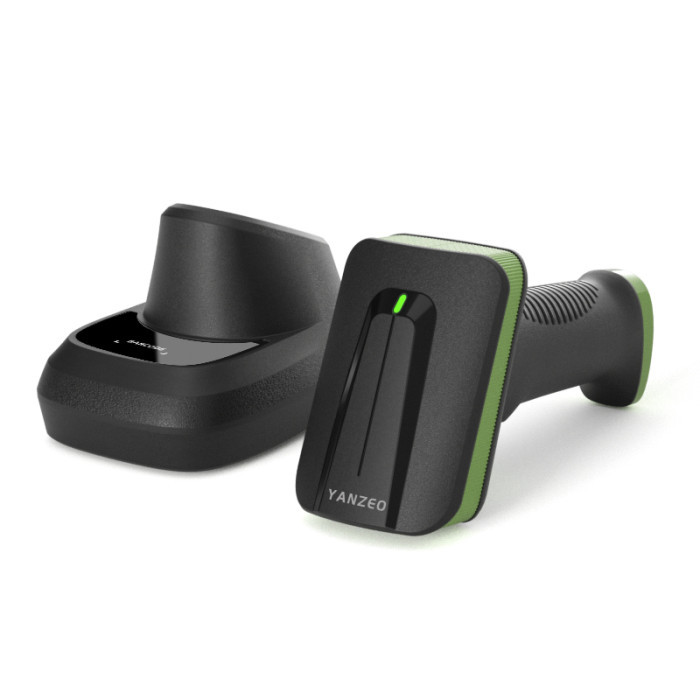
For customers who are new to barcode scanners, many problems are often caused by unfamiliarity with the product. Therefore, in order to help you solve your problems, we have specially compiled the instructions for using and setting up the barcode scanner, hoping to help you.
1. Correct use of barcode scanners
1) First of all, please make sure that the barcode scanners, data cable, data receiving host, and power supply are correctly connected and then power on.
2) Press and hold the trigger button, the light is activated, and the red lighted area and red focus line appear.
3) Align the red focus line with the center of the barcode, move the scanner and adjust the distance between it and the barcode to find the best reading distance.
4) When you hear the success prompt sound and the red lighting line goes out at the same time, the code reading is successful, and the scanning gun transmits the decoded data to the host.
2. The barcode scanner installation method
1) Insert the data cable: Insert the crystal head of the data cable into the interface at the bottom of the scanner gun. Note: If it can be pulled out directly after being inserted, it means that it is not plugged in properly, because it cannot be pulled out directly after it is plugged in.
2) Connect to the computer: The scanner generally has 3 optional interfaces, the most commonly used is the USB interface. When connecting to the computer, insert the scanner data cable into the corresponding interface of the computer, and wait for a while after the computer automatically installs the driver, and then it can be used.
3) Wire removal method: Insert a small pin into the wire removal hole, squeeze a little hard and then pull out the data cable.
3. Precautions for the use of barcode scanners
1) Do not scan the barcode at a 90° angle between the scanner gun and the barcode, and the barcode cannot be read normally at 90°. It must be aligned and the scan line must be completely wrapped around the barcode.
2) Do not randomly scan the barcode on the manual, otherwise, it may cause the scanning gun to fail to scan.
3) During the reading process, for the same batch of barcodes, you will find that the distance between the scanner and the barcode is within a certain range, and the reading success rate will be very high. This distance is the best reading distance.
The above introduces the correct operation method and precautions of the barcode scanner. If you want to know more or buy a barcode scanner, please contact us.
Yanzeo is a professional custom barcode scanners manufacturer, which can customize exclusive barcode RFID solutions for customers. Yanzeo's professional research and exploration of intelligent technology for many years have brought together the technical essence of the barcode industry. Through the data interpretation of changes in the information environment of modern society, we can effectively overcome the difficulties and topics of barcode RFID technology, develop and design industry-leading barcode RFID products, and help customers calmly cope with the challenges brought by accurate identification and various identification obstacles, and always ensure customers' safety. good experience.